
Digital Notice Board
A cork board says whatever somebody last pinned to it. A digital notice board says whatever you published this morning, and it says it to everybody walking past.
You do not need special hardware, and you do not need to install anything on the display. Everything here is a web page, so any screen that can open a URL will do: a smart TV, a streaming stick, a Raspberry Pi, or a browser in kiosk mode.
What goes on it
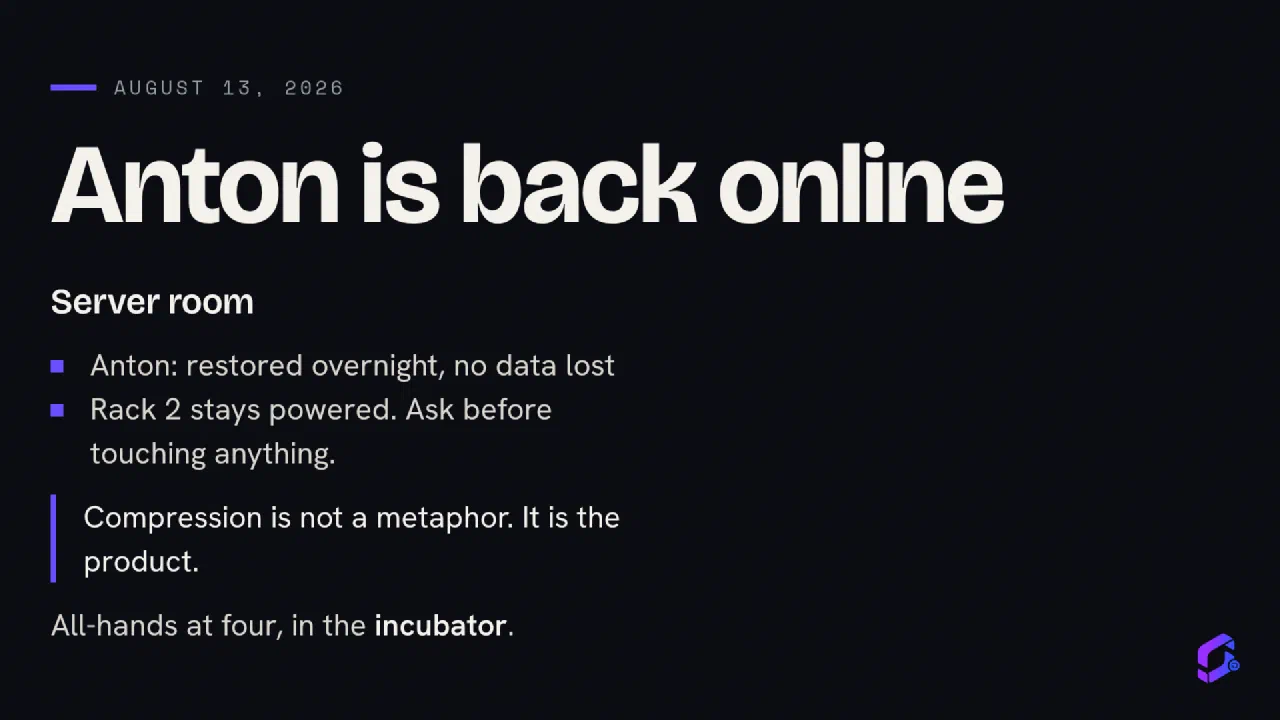
Your own words
News that updates itself
The practical detail
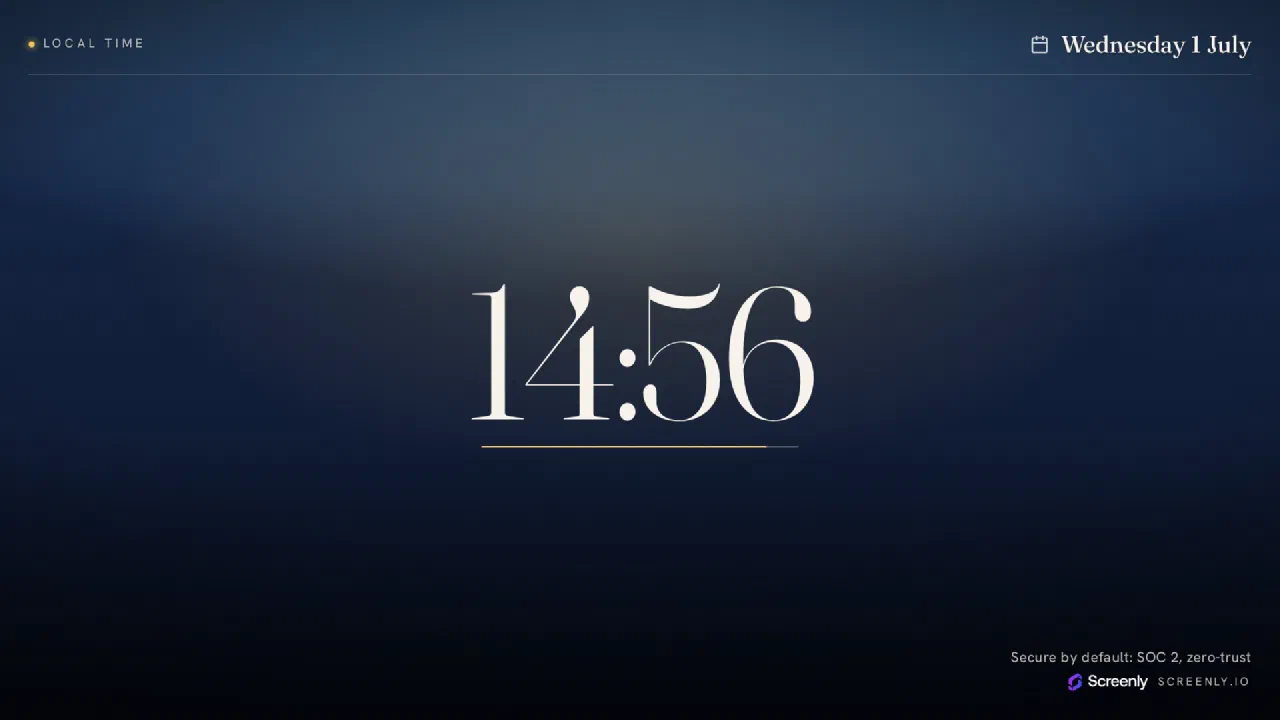
A clock
Something worth pausing for
A countdown or a milestone
Where it goes
Schools
A corridor board carries term dates, the lunch menu and sports results. A screen beats paper because the person updating it does not have to walk anywhere, and because nobody has to notice that a new sheet went up.
Start with a news feed and opening hours, add a clock so pupils can see whether they are late.
Offices and reception
Reception is doing two jobs: telling visitors they are in the right place, and telling staff something they would otherwise get in an email nobody reads.
The weather, a world clock for distributed teams, and your own announcements covers most of it.
Churches and community spaces
Service times, this week’s readings, the hall booking. A village hall usually wants the board to look calm rather than busy.
One thing at a time on a slow rotation reads better than a dense dashboard.
What it costs
Nothing, for the apps. Every screen here is free to use and free of accounts, and the links work on any player.
If you want the software driving the screen to be free and open-source too, Anthias runs on a Raspberry Pi. If you would rather somebody else managed a fleet, Screenly does that commercially. Both open a URL, so neither locks you in.
Start with one screen
Pick something from the library, paste its link into your player, and see how it looks on the wall before planning anything bigger.
A board that shows one useful thing reliably beats a board that shows six and goes stale.
The library
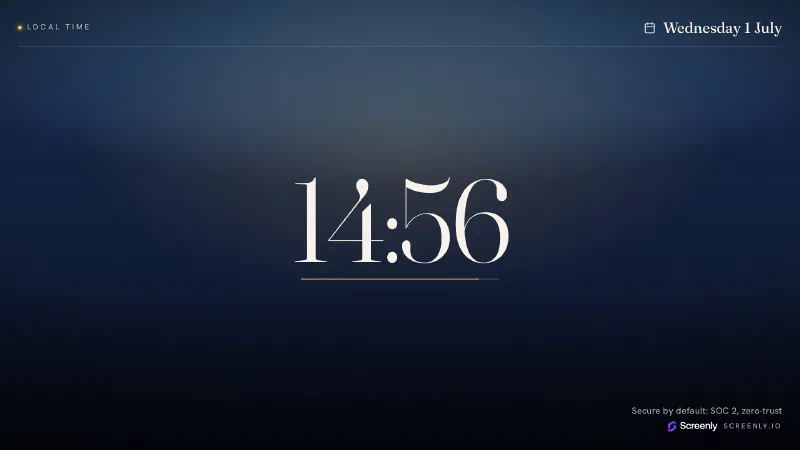
Digital Clock
Always-on local time for any display.
Configure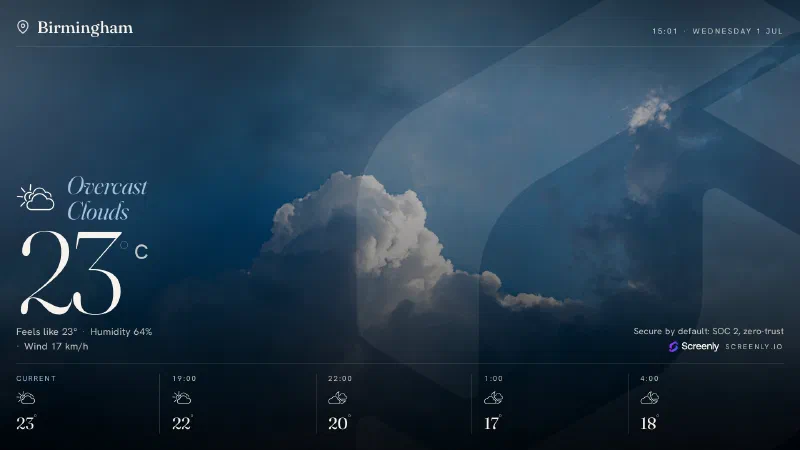
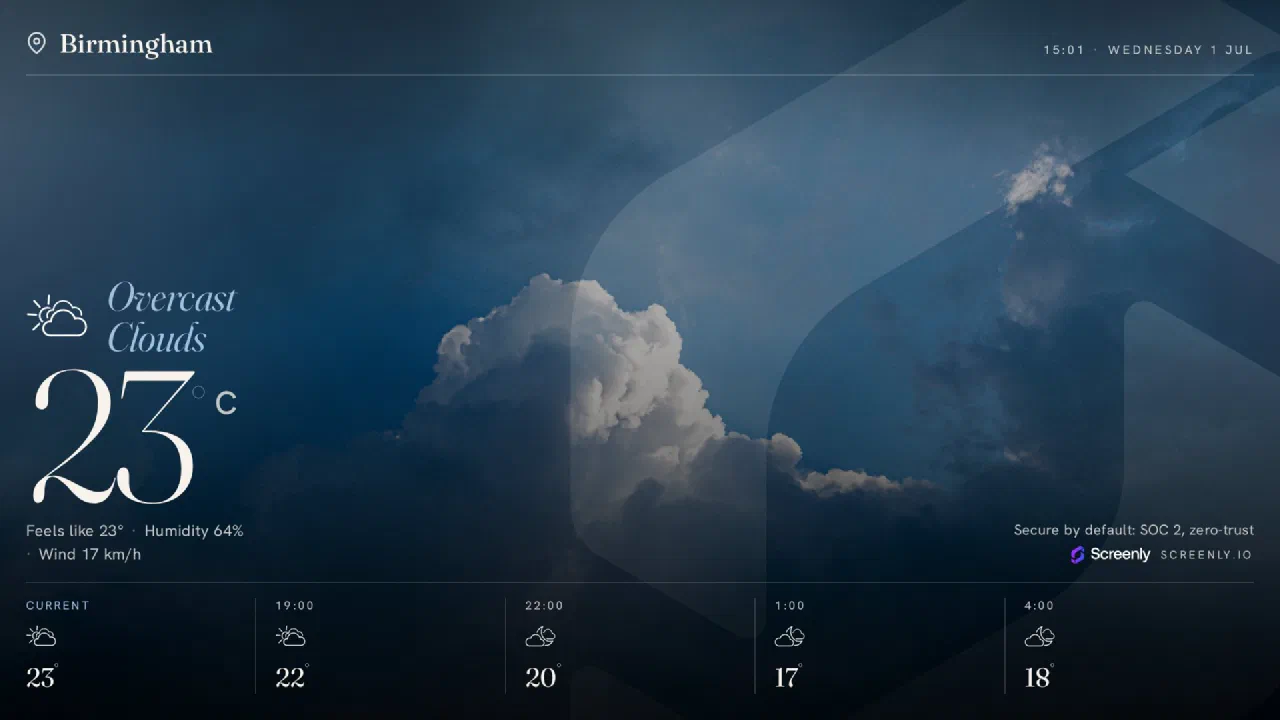
Weather
Live local weather for any display.
Configure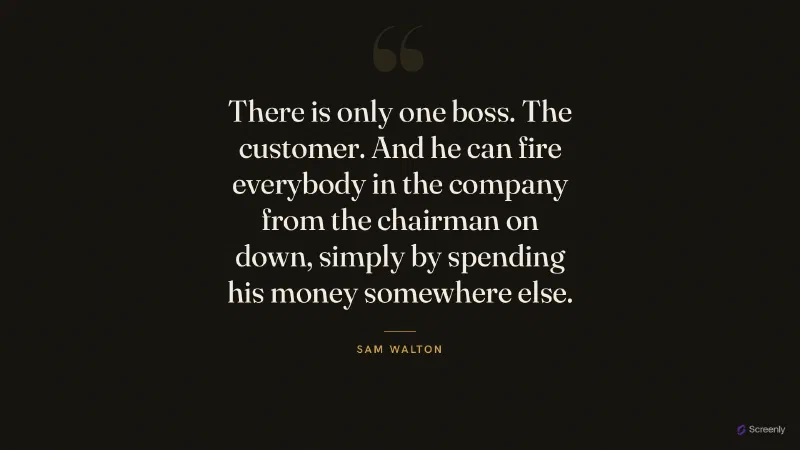
Quotes
A fresh quote for any display.
Get app
Capital Quiz
A capital-city quiz for any display.
Get app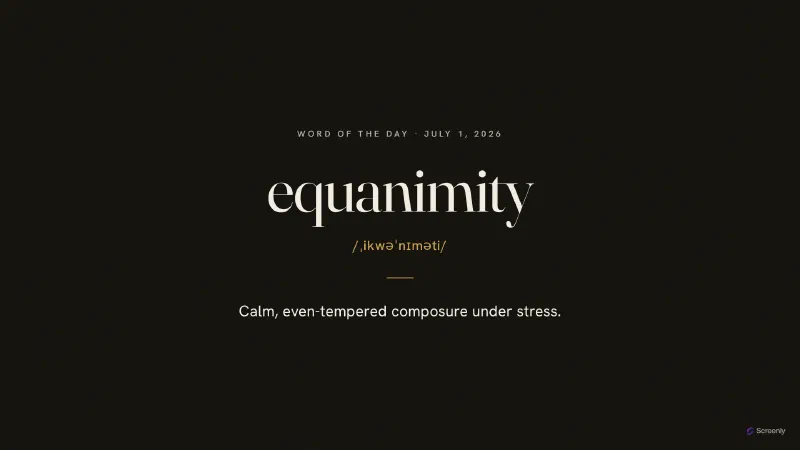
Word of the Day
A new word every day, on any display.
Get app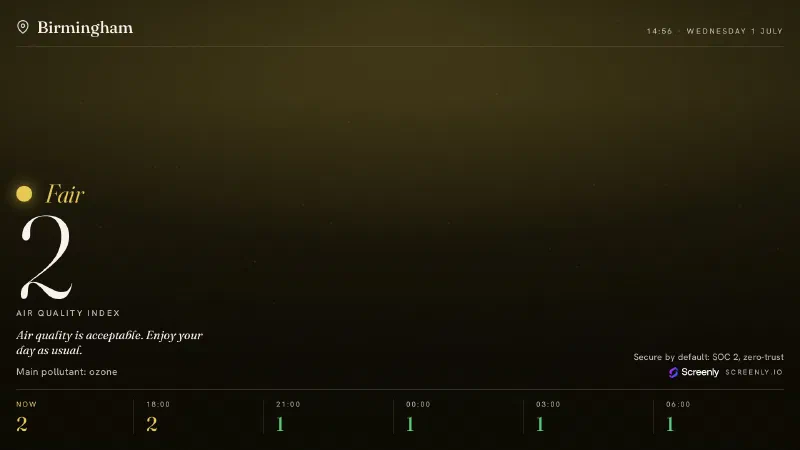
Air Quality
Live local air quality for any display.
Configure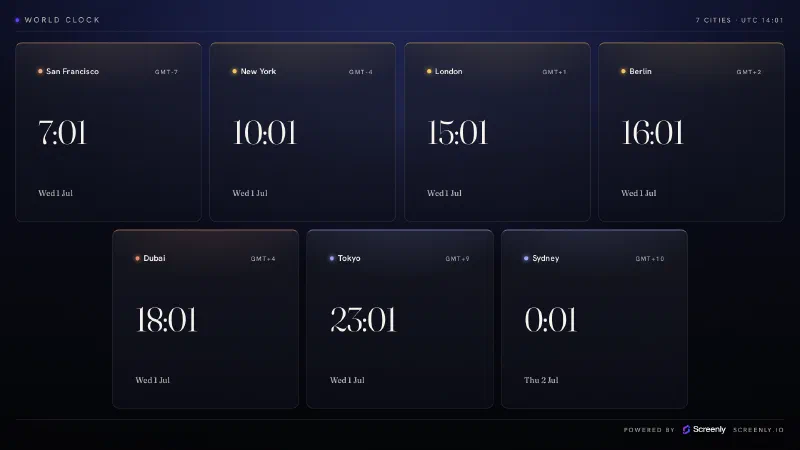
World Clock
Every time zone that matters, on one screen.
Configure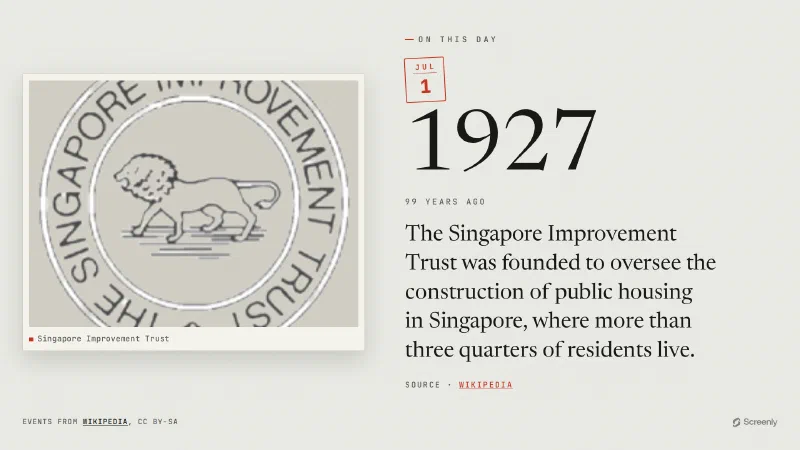
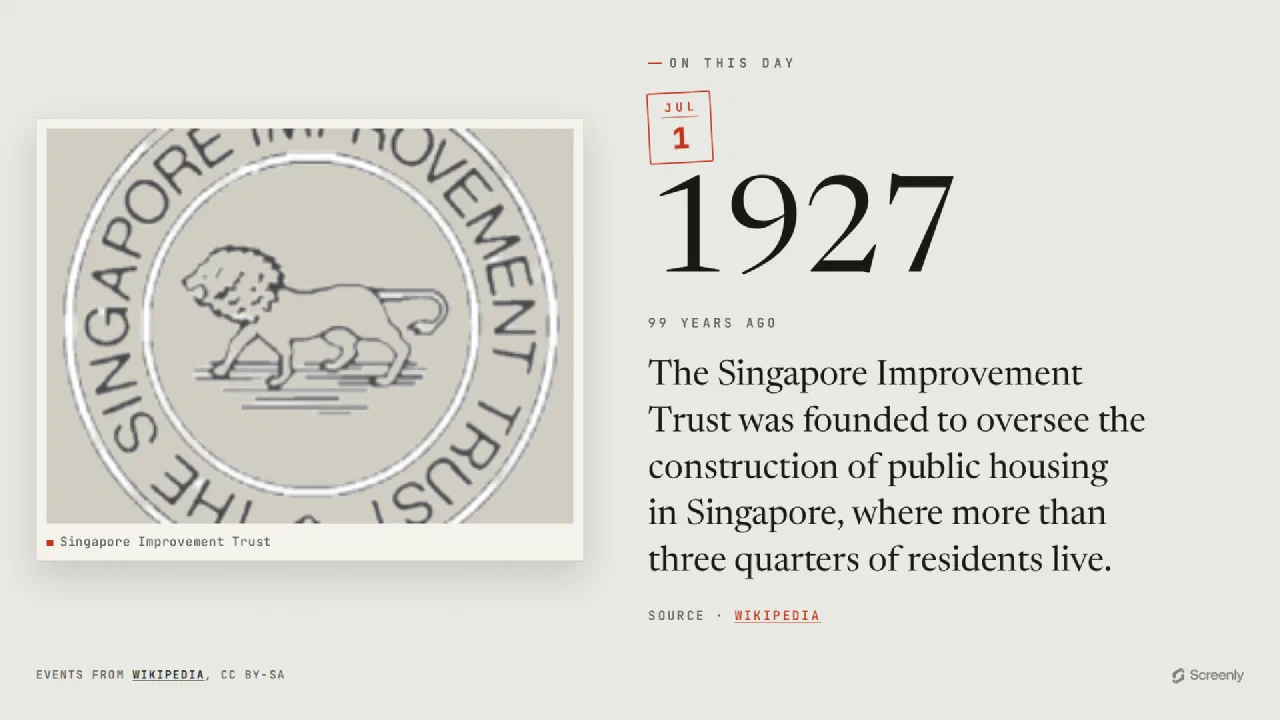
On This Day
A notable moment from this day in history.
Get app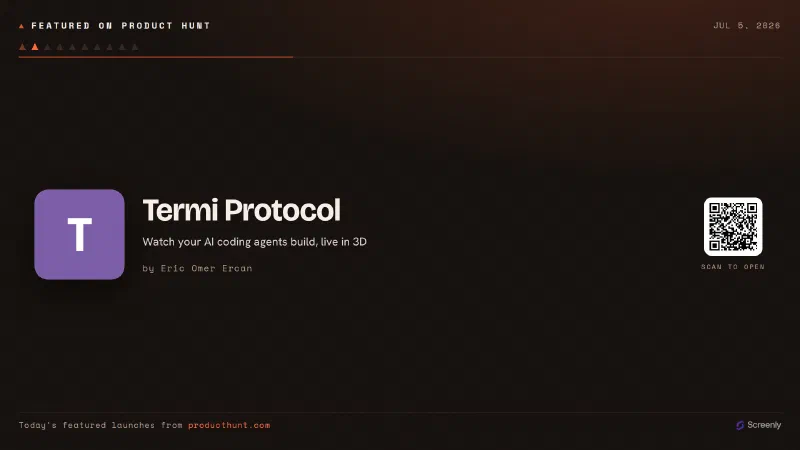
Featured on Product Hunt
Today's featured products on Product Hunt.
Get app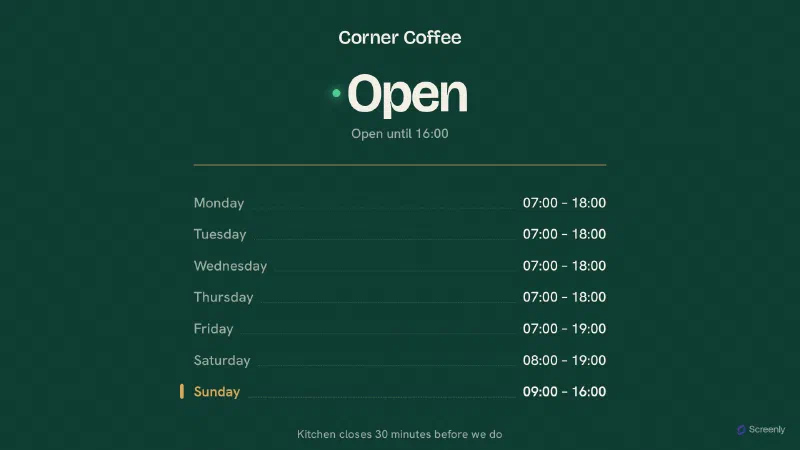
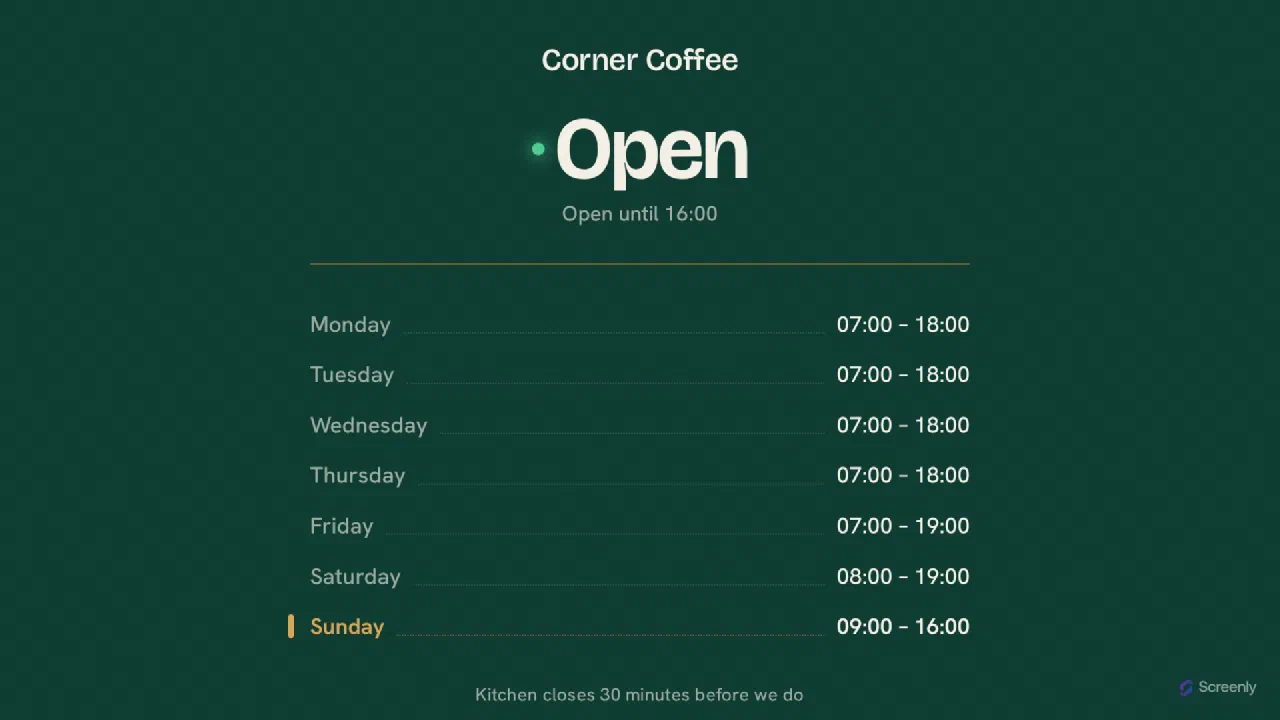
Opening Hours
Show customers your hours and whether you're open now.
Configure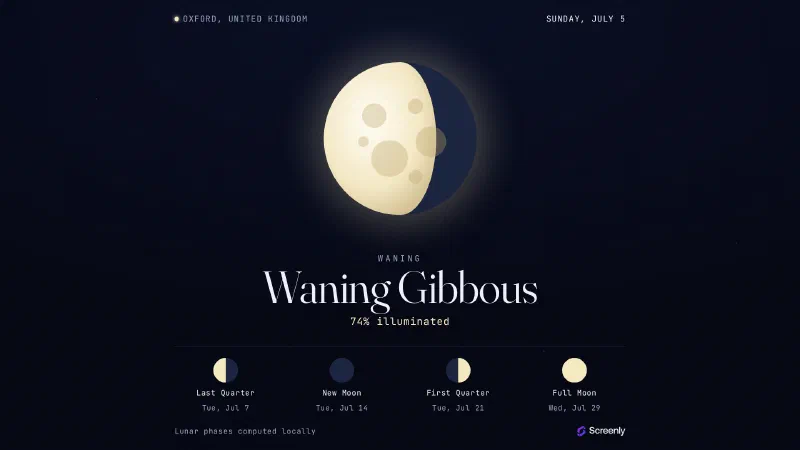
Moon Phase
Tonight's Moon phase and the phases ahead.
Configure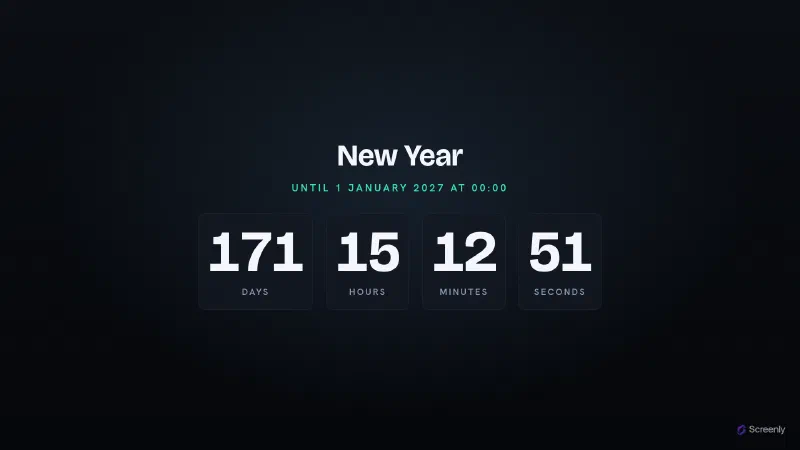
Timer
Count down to or up from any moment.
Configure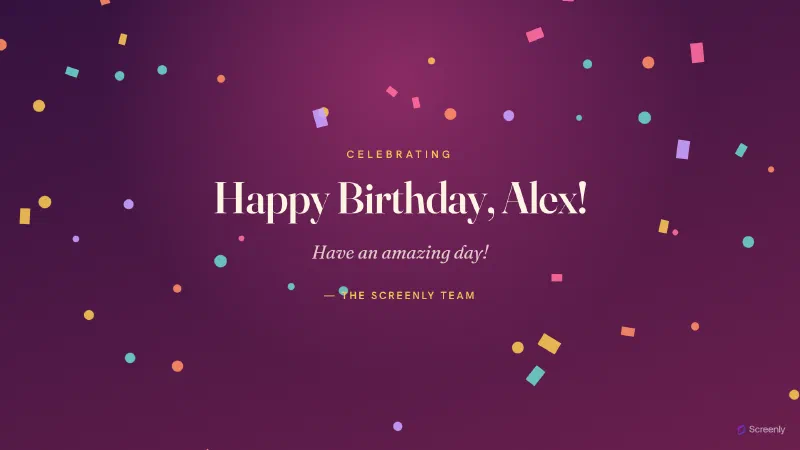
Birthday
Celebrate someone's birthday on any display.
Configure
Team Milestone
Celebrate a team's milestone on any display.
Configure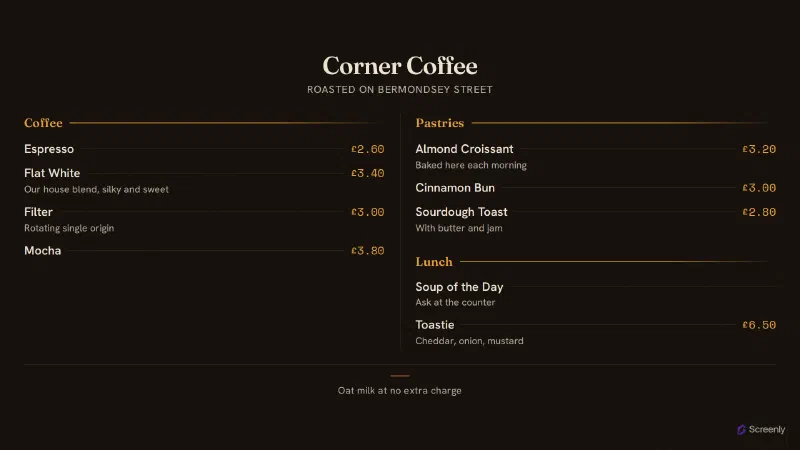
Menu Board
Your menu, priced and grouped, on any screen.
Configure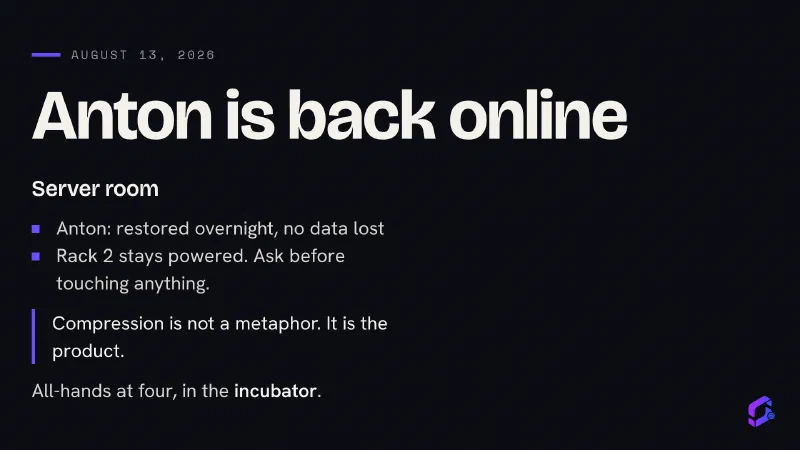
Screenly Cast for WordPress
Turn the WordPress site you already run into digital signage.
Get plugin